System Tool — SaaS B2B (Automation)
Role: Product Designer
Type: Concept project
Year: 2026
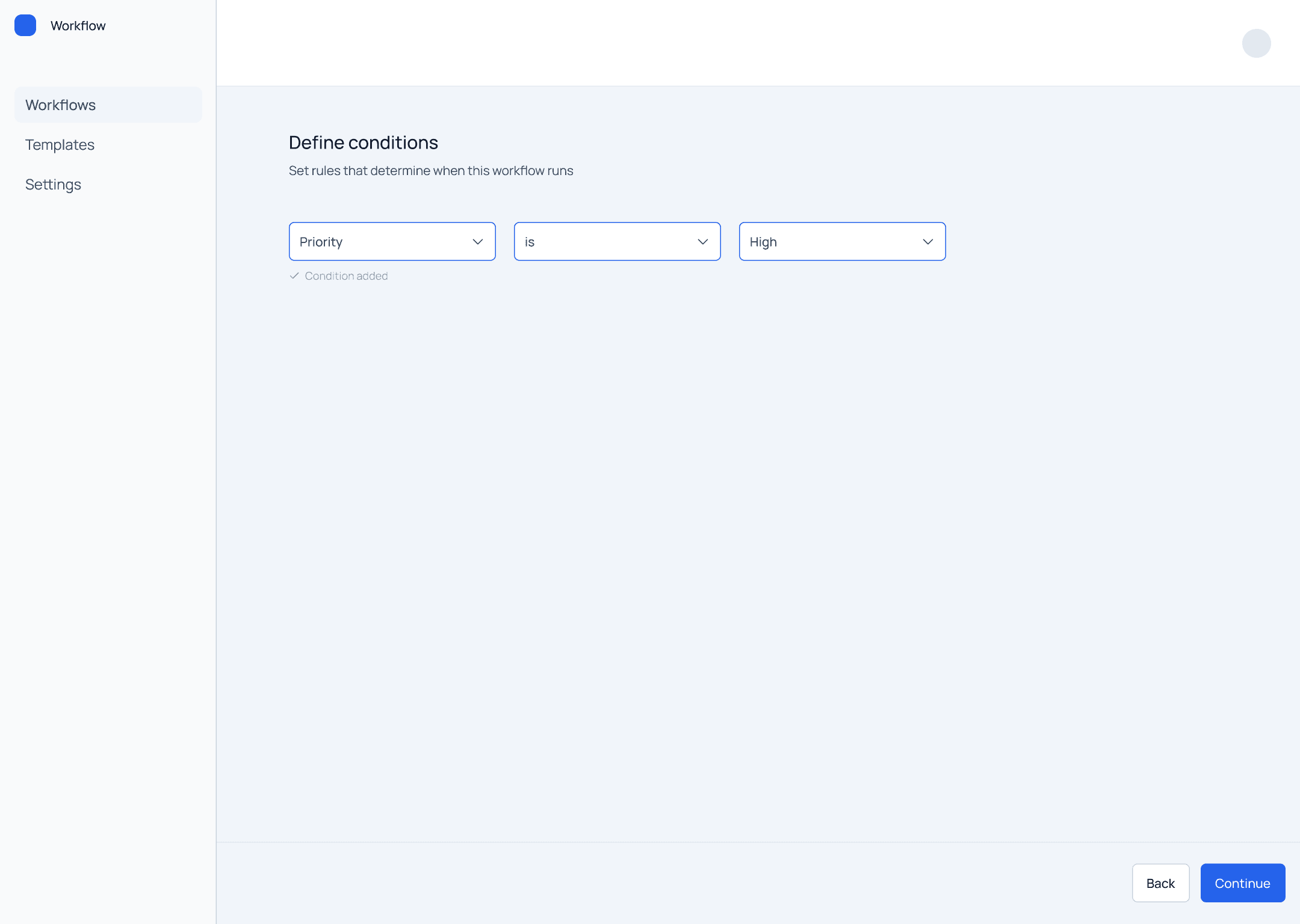
Workflow Builder is a SaaS tool that allows teams to create automated rules to handle recurring tasks.
It enables users to define logic in a structured way and reduce manual work.
Automation features in SaaS products are often difficult to use.
Users need to define rules, but interfaces are:
too complex
unclear in logic
overloaded with options
This leads to:
incorrect configurations
low adoption
confusion about how rules work
Instead of exposing complex automation logic, I designed a rule-based system focused on clarity and predictability.
The goal was to reduce cognitive load by guiding users through a structured decision process, rather than presenting all possible configurations at once.
The system prioritizes:
simplicity over flexibility
progressive complexity
consistency in how rules are defined
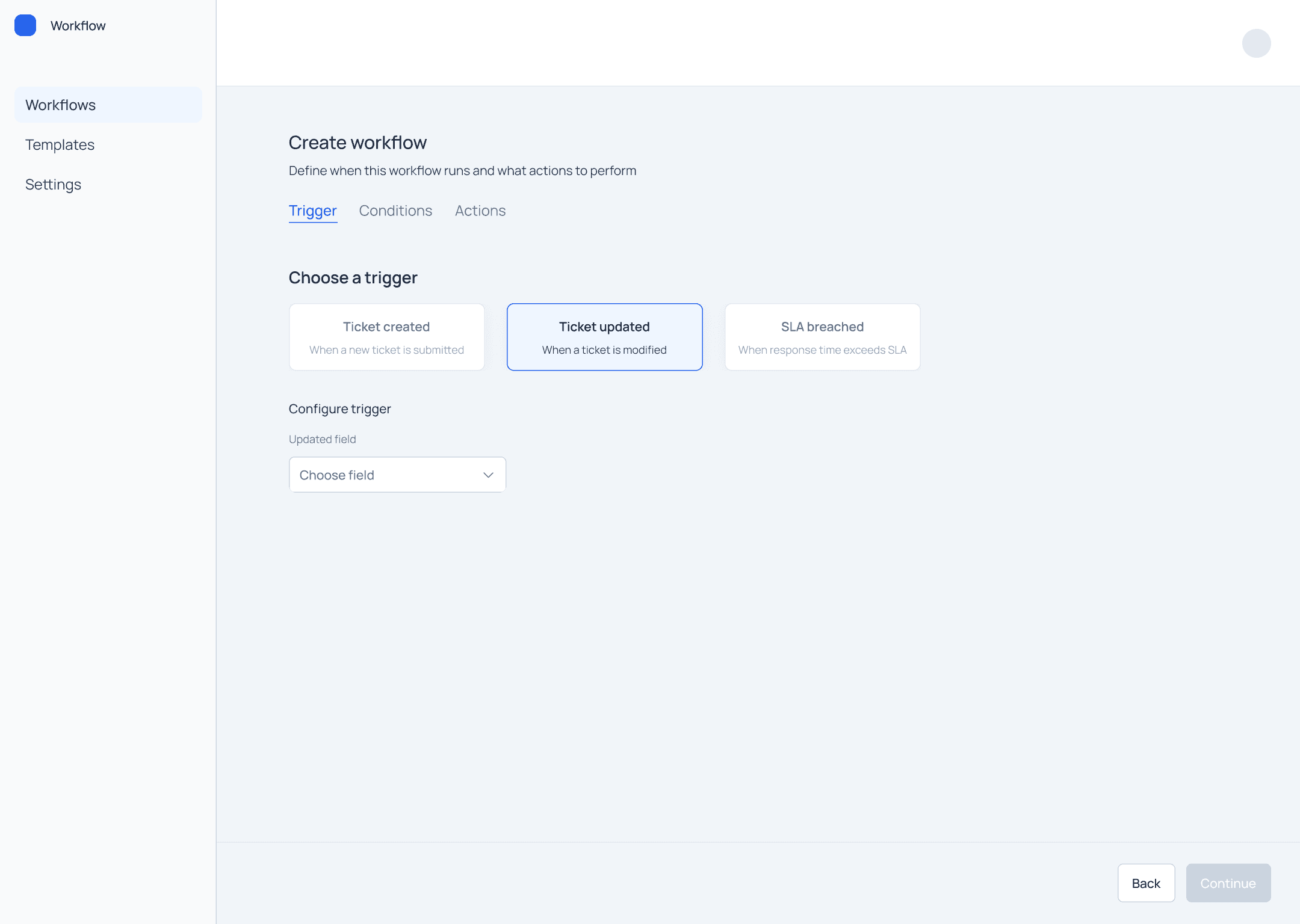
The system is structured around a simple and consistent logic:
Trigger
Conditions
Actions
Trigger defines when the rule starts
Conditions define when it applies
Actions define what happens
This structure creates a predictable mental model for users.
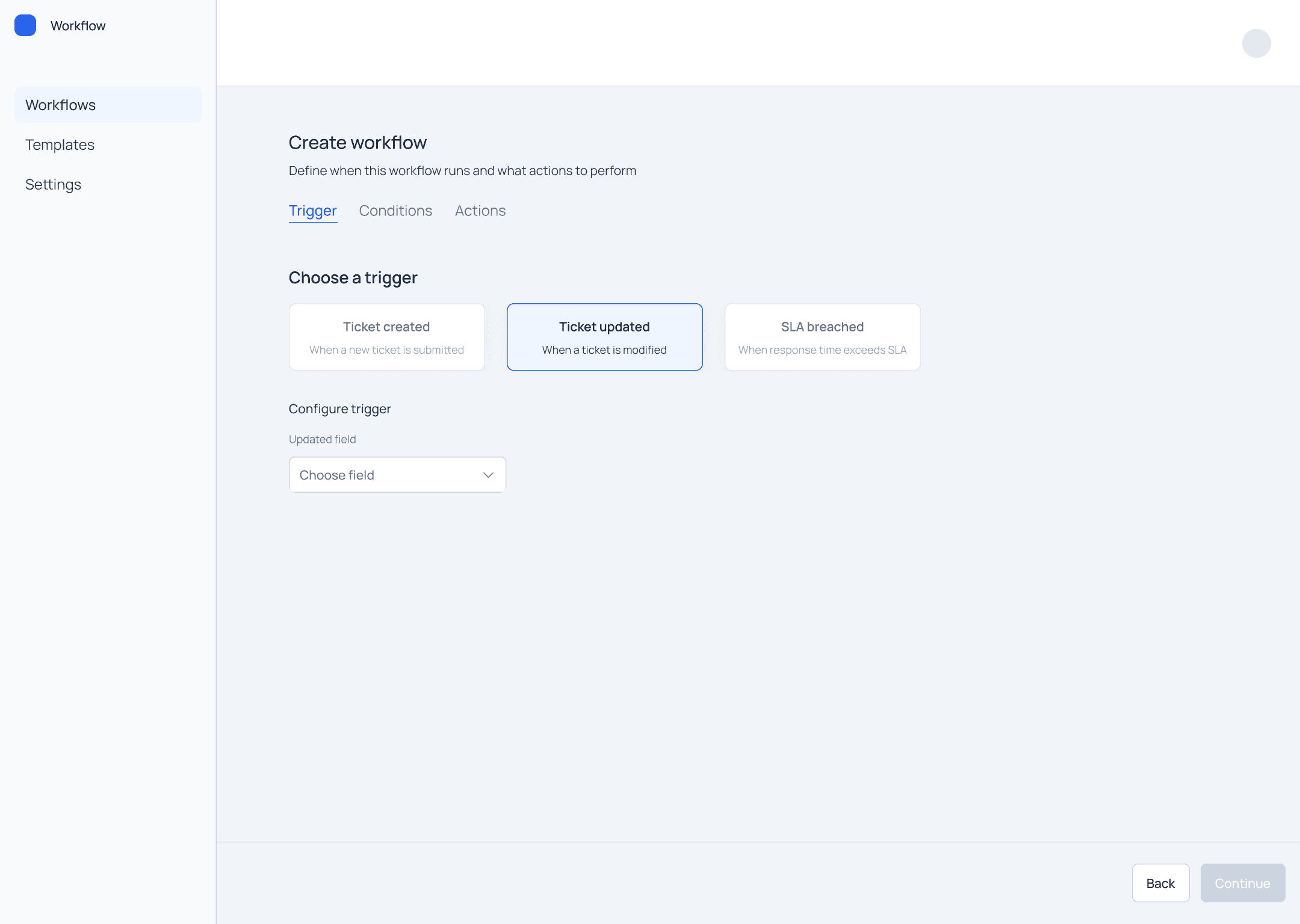
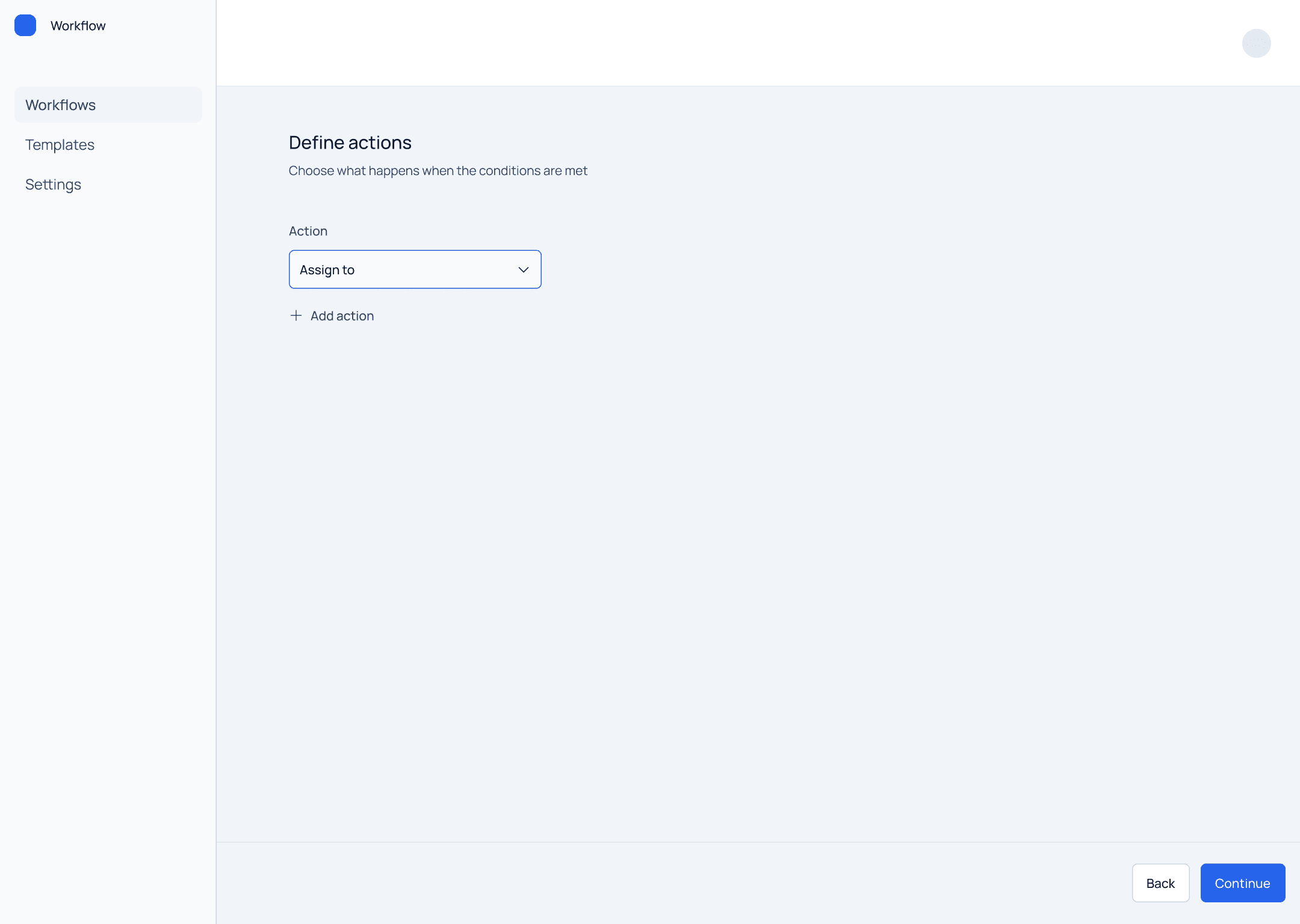
A short prototype shows how a rule is created step by step.
The dashboard shows all existing workflows.
Each item includes:
name
trigger
status
This allows users to quickly scan and manage rules.
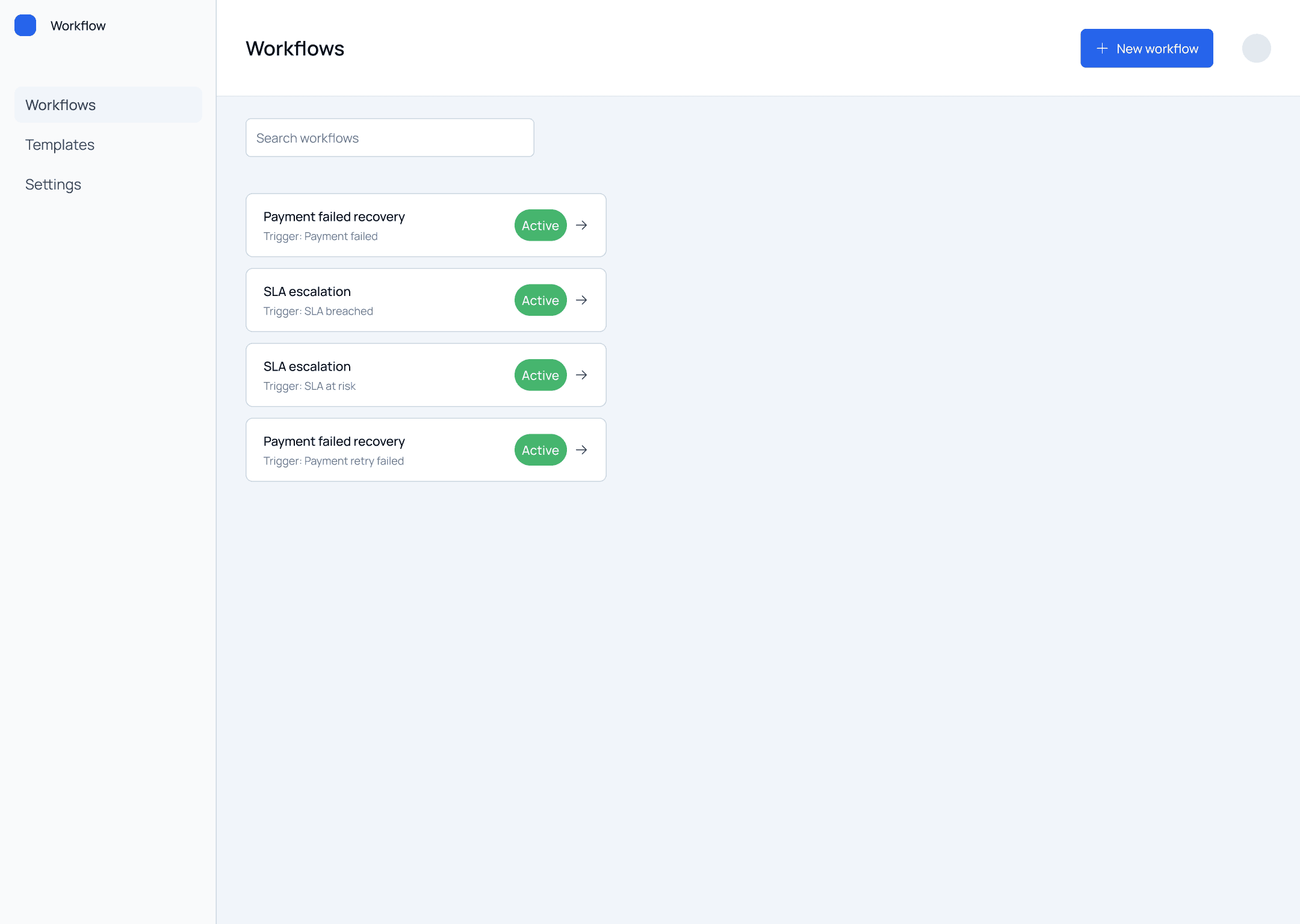
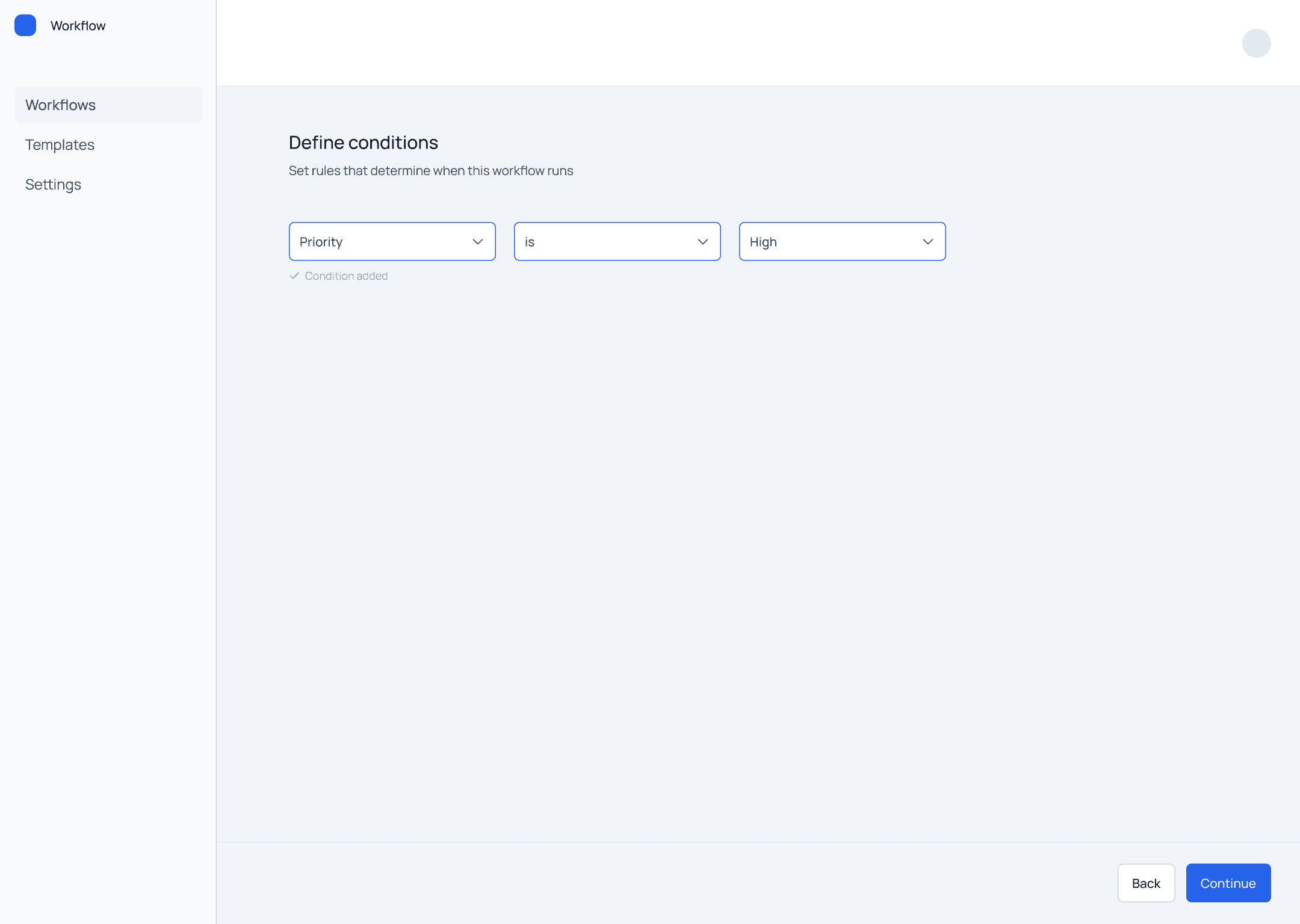
Conditions define when the rule should apply.
Each condition follows a consistent structure:
Field
Operator
Value
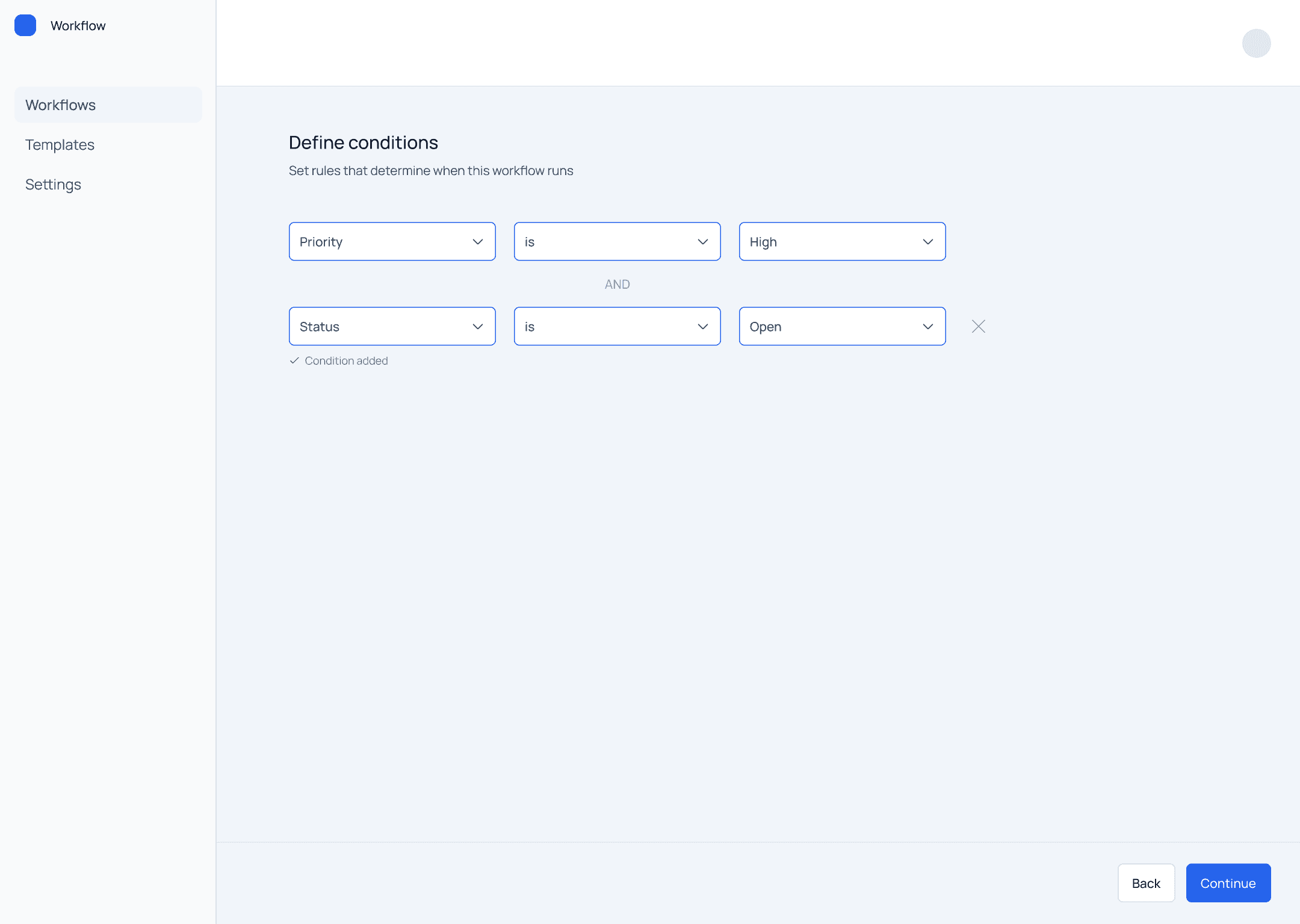
The system introduces logic progressively:
first condition (simple case)
second condition (combined logic)
Multiple conditions are combined using AND logic.
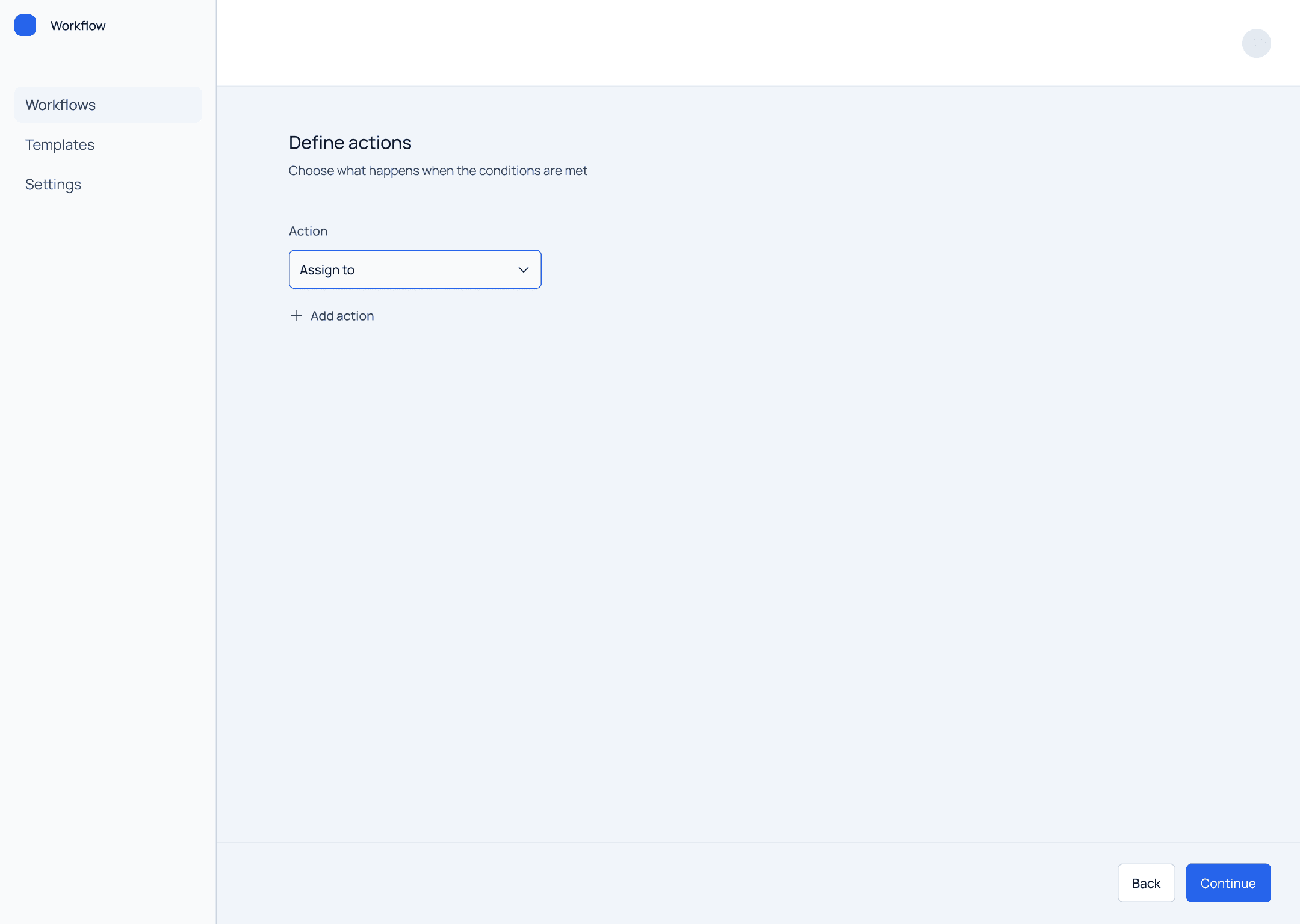
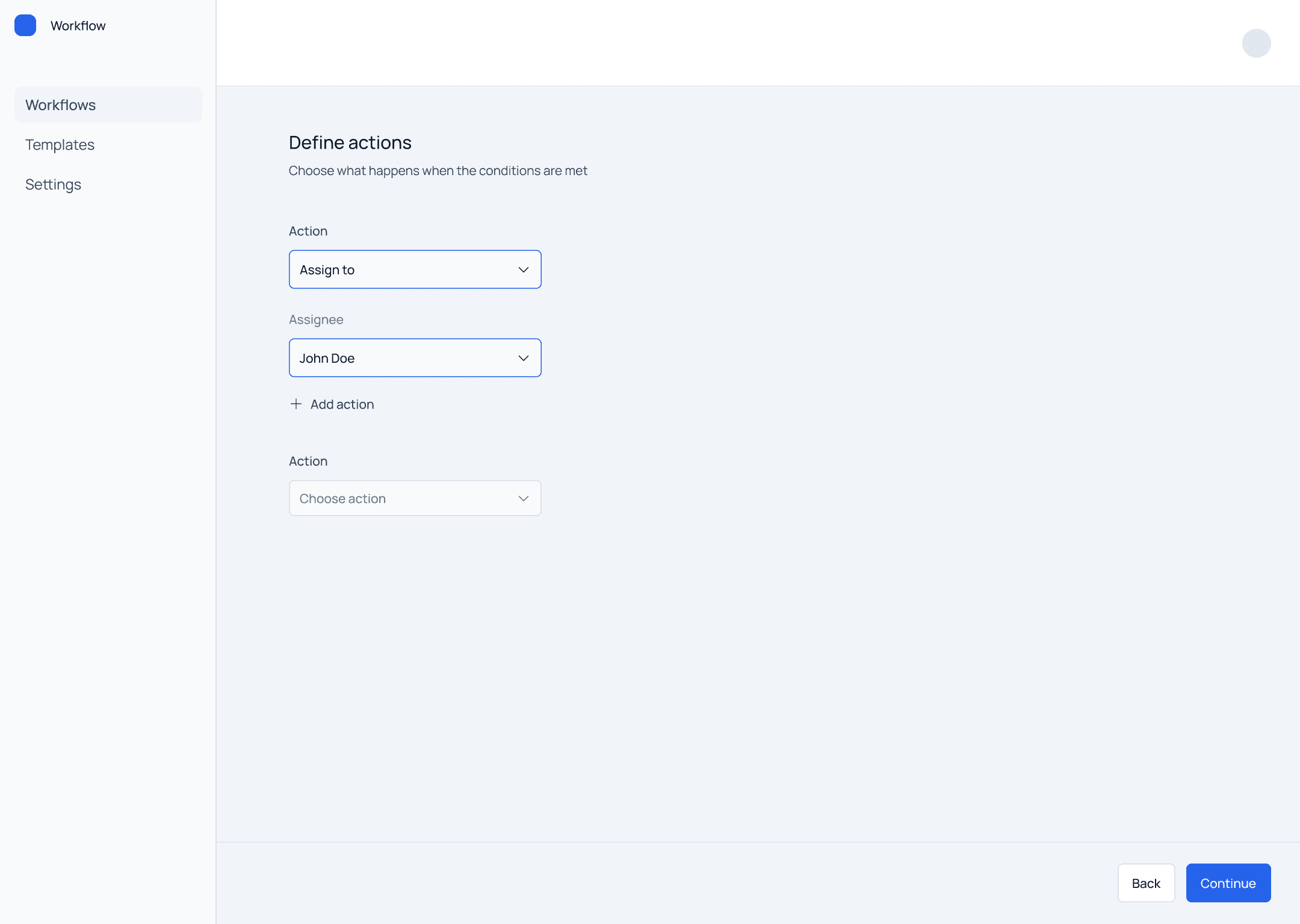
Actions define what happens when conditions are met.
Users can:
add one action
extend to multiple actions
The structure mirrors the logic of conditions, creating consistency.
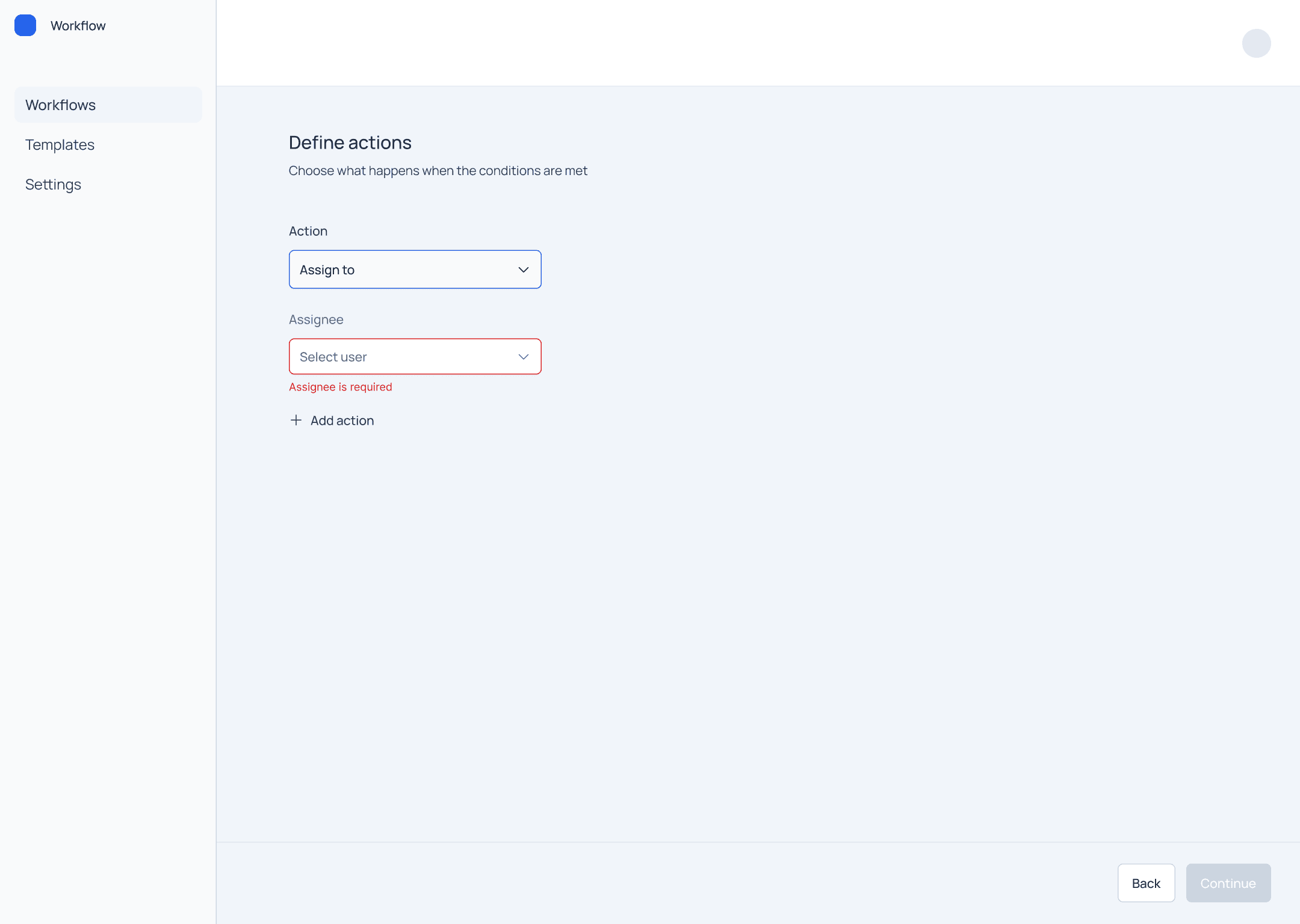
The system includes validation to prevent incomplete configurations.
For example, when a required field is missing (such as an assignee in an action), the interface clearly highlights the issue and prevents the workflow from being completed.
Interaction Model
The interaction model is intentionally simple:
linear flow
minimal steps
instant transitions
The goal is to keep focus on logic, not on interface complexity.
This project demonstrates the ability to design:
system-based interfaces
rule builders
configuration tools
It improves usability by:
making logic explicit
reducing cognitive load
guiding users through rule creation
Designing systems is about managing complexity.
The challenge is deciding what to include and what to remove.
A simpler structure with clear rules is often more effective than a feature-rich but confusing system.